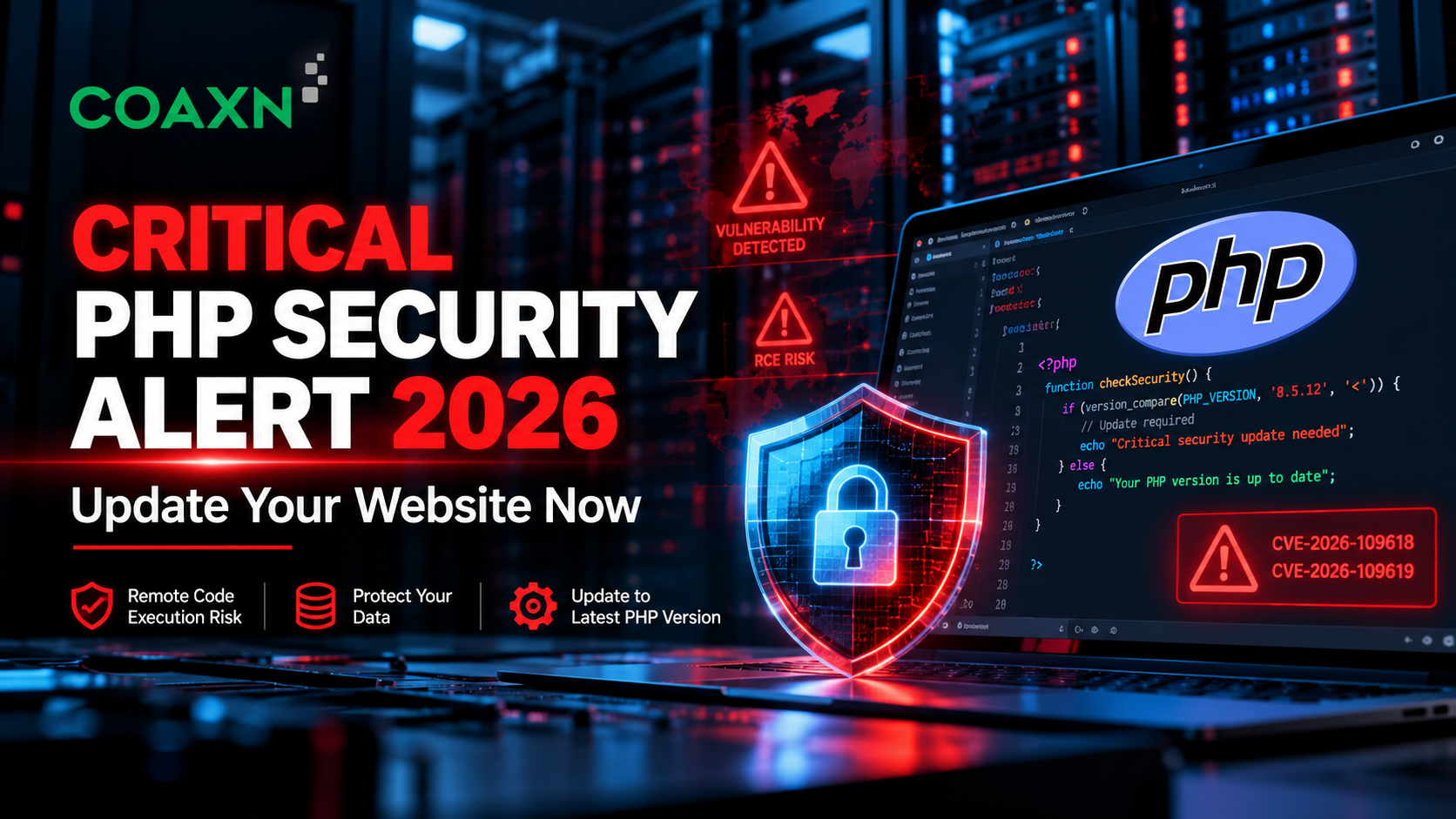
The PHP development team has released emergency security updates for two critical vulnerabilities that could allow unauthenticated attackers to execute code on vulnerable web servers. Security researchers and threat intelligence organizations have also reported exploitation attempts targeting these flaws.
The vulnerabilities are tracked as CVE-2026-109618 and CVE-2026-109619 and are commonly discussed together under the name PHP2Shell.
These issues affect the PHP runtime itself. That means a website can use an updated WordPress installation, a maintained framework, or well-written custom code and still require urgent attention if the underlying PHP runtime is vulnerable.
In this guide, CoAxn Technology explains the security issue, identifies the patched PHP releases, and walks through practical steps for checking, updating, and maintaining an existing PHP website.
Security Alert: Check Your PHP Website Now
The PHP project released security-fixed versions on October 21, 2026.
- PHP 8.5.12
- PHP 8.4.27
- PHP 8.3.36
- PHP 8.2.35
The official PHP advisory recommends updating immediately. The project states that there is no complete configuration-only mitigation for these vulnerabilities.
Action: Identify every PHP installation serving your website, confirm its patch status, and apply the appropriate fixed release or verified vendor security package.
1. What Is PHP2Shell?
PHP2Shell refers to two related security vulnerabilities in PHP that can potentially allow an unauthenticated attacker to execute code on a vulnerable server.
Remote code execution, or RCE, is a serious security problem because it may allow an attacker to make a vulnerable application server execute commands or code without first obtaining a valid user account.
The severity of a successful attack depends on the affected installation and the permissions available to the PHP worker. An attacker who gains code execution may be able to access application data, modify files, or attempt further compromise within the server's security boundaries.
The PHP2Shell vulnerabilities are especially concerning because the affected behavior is inside the PHP runtime rather than being confined to one particular plugin or framework.
Why Does This Matter to Website Owners?
A business website usually accepts requests from internet users. Depending on its configuration, PHP processes those requests to display pages, handle forms, access databases, process uploads, and communicate with external services.
If the runtime contains a remotely exploitable vulnerability, application-level security improvements alone may not be enough. The underlying PHP installation must also be checked and patched.
2. Understanding the Two Critical PHP Vulnerabilities
Both vulnerabilities involve PHP's internal memory handling and the state maintained while requests are processed.
CVE-2026-109618: Out-of-Memory Corruption
This issue involves the way PHP handles an out-of-memory condition. Under certain circumstances, processing can stop before internal request data has been fully initialized. Cleanup code may then handle that incomplete state incorrectly.
This memory-handling problem can create a path to remote code execution in affected configurations.
CVE-2026-109619: Stale Internal State
This vulnerability involves internal state that continues to reference request memory after that memory has been released. A later request handled by the same worker may encounter the invalid reference before normal initialization resets it.
This type of memory-management flaw is known as a use-after-free vulnerability. Researchers have demonstrated that the issue can lead to remote code execution under suitable conditions.
Can These Vulnerabilities Expose Sensitive Data?
Security researchers have also reported that vulnerable PHP worker memory may expose information such as passwords, authentication tokens, or API keys held in process memory.
This does not mean every vulnerable installation has leaked data. It means that affected systems should be patched promptly and investigated if there are signs of compromise.
For technical details, refer to the official PHP advisories:
3. How Serious Is the PHP2Shell Security Risk?
Both vulnerabilities have a reported CVSS v4.0 severity score of 9.2 out of 10, placing them in the critical severity category.
The risk is particularly important for internet-facing PHP installations because remote users can send requests directly to public websites.
Qualys reported exploitation attempts targeting these vulnerabilities in its October 21, 2026, update. Other security organizations have also published alerts and remediation guidance.
Security teams should prioritize public-facing systems, particularly vulnerable installations using Apache mod_php. However, PHP-FPM and other supported web-serving configurations must not be assumed safe without checking their patch status.
What Could Happen If a Vulnerable Website Is Compromised?
- Unauthorized access to application files and configuration.
- Potential exposure of sensitive data accessible to the PHP worker.
- Modification of website content or application files.
- Attempts to steal credentials or application secrets.
- Further attacks against connected services or systems.
- Website downtime, recovery costs, and reputational damage.
These are potential consequences, not guaranteed outcomes. The impact depends on the installation, worker permissions, network exposure, and additional security controls.
4. Which PHP Versions Are Affected?
The PHP security advisory covers installations serving web requests across several server configurations. The following upstream releases contain fixes for the two vulnerabilities.
| PHP Branch | Fixed Release | Recommended Action |
|---|---|---|
| PHP 8.5 | 8.5.12 | Update to 8.5.12 or a later applicable security release. |
| PHP 8.4 | 8.4.27 | Update to 8.4.27 or a later applicable security release. |
| PHP 8.3 | 8.3.36 | Update to 8.3.36 or a later applicable security release. |
| PHP 8.2 | 8.2.35 | Apply the security fix and plan migration before end of life. |
PHP 8.1 and earlier branches are outside regular upstream support. The PHP project has also provided limited source backports for PHP 7.4, 8.0 and 8.1 to assist certain installations.
If your operating system or hosting provider manages PHP packages, check its official security advisory. Vendors sometimes backport fixes without changing the upstream version number in the way you might expect.
Do not rely solely on a version string when a vendor-managed security package is involved. Confirm the package's patch status with the vendor.
Download PHP from the official website | Check PHP support status
5. What If Your Website Uses PHP 7.4, PHP 8.0 or PHP 8.1?
Older PHP websites require particular attention. PHP 8.1 and earlier versions no longer receive regular security updates directly from the upstream PHP project.
Some Linux distributions, hosting providers and long-term support vendors may supply backported security fixes for specific packages. You should confirm this with the provider responsible for maintaining your installation.
If your PHP version is unsupported and no applicable security fix is available, plan to move the application to a maintained PHP branch.
Why You Should Not Ignore an Old PHP Version
Older applications may rely on deprecated functions, outdated frameworks, incompatible libraries or database drivers that no longer receive updates.
These dependencies can make upgrading more complicated, but delaying maintenance can increase security exposure and make a future migration more expensive.
A structured compatibility review can identify which parts of the application need changes before upgrading.
PHP 8.2 End-of-Life Planning
PHP 8.2 is scheduled to reach the end of upstream security support on December 31, 2026. Although PHP 8.2.35 addresses the October 2026 vulnerabilities, businesses should plan a migration to a maintained branch before support ends.
6. How to Check Whether Your Website Is Using PHP
Method 1: Check Your Hosting Control Panel
- Sign in to your hosting account.
- Open the PHP configuration or PHP version section.
- Select the relevant domain or application.
- Record the PHP version configured for the website.
- Ask your provider whether the required security fix is installed.
Menu names differ between hosting platforms. Some providers assign separate PHP versions to individual domains and applications.
Method 2: Check Through SSH
If you have server access, run:
php -vThis displays the PHP version available to the command-line environment. It may not be the same version serving web requests.
For example, your VPS might have multiple PHP versions installed, with one version assigned to Apache and another used by command-line scripts or scheduled tasks.
Method 3: Ask Your Hosting Provider
If you do not have server access, ask your hosting provider or developer to confirm the runtime serving your website, its package patch status, and the appropriate upgrade procedure.
Avoid leaving a public phpinfo() page on your website. Such pages may disclose server configuration details. Use restricted diagnostics and remove temporary files immediately after use.
7. Step-by-Step Guide to Updating an Outdated PHP Website
Step 1: Identify All PHP Installations
Start by identifying the PHP versions used by your public website, administrative portals, APIs, scheduled jobs and background workers. Check whether containers or separate application directories contain additional PHP installations.
Step 2: Back Up Your Website and Database
Back up your application files, databases, uploaded documents and configuration before making changes.
Store a copy separately from the production server where practical, and verify that the backup can be restored.
Step 3: Review Dependencies and Compatibility
Identify your framework, CMS, plugins, Composer packages, database drivers and third-party integrations.
Check compatibility with the target PHP version and resolve known dependency vulnerabilities. Older code may require changes to deprecated functions or unsupported libraries.
Step 4: Test in a Staging Environment
Whenever possible, create a staging environment that resembles production. Apply the update there first.
Test critical features, including:
- Login, registration and password recovery.
- Database queries and updates.
- Forms, document uploads and imports.
- Payment gateways and external APIs.
- Email notifications and scheduled tasks.
- Administrative functions and user permissions.
- Application logs and performance.
Step 5: Apply the Correct Security Patch
Use your hosting provider's supported update mechanism, operating system package manager or managed runtime service.
Select a fixed release supported by your environment. For vendor-managed PHP packages, follow the vendor's security advisory and confirm that the package contains the fix.
Step 6: Restart or Replace Affected Workers
Depending on your environment, updating PHP may require restarting or reloading PHP-FPM, Apache or another web server, or redeploying application containers.
Follow your hosting provider's instructions and ensure that existing workers are no longer running the vulnerable build.
Step 7: Verify the Update
Check the actual runtime serving the website and verify the installed package's patch status. Do not assume that updating a command-line installation automatically updates the public web server.
Step 8: Test the Live Application
Verify important user journeys, database operations, forms, API integrations and scheduled tasks. Review logs for new errors and monitor application performance after deployment.
Step 9: Review Security and Access
Since remote code execution can have serious consequences, consider whether there are signs of compromise. Review relevant web server, application, authentication and endpoint logs for unusual activity, unexpected files, unfamiliar processes or suspicious outbound connections.
If compromise is suspected, treat it as a security incident. Patching alone may not remove an attacker's persistence or reverse data exposure. Follow an appropriate incident-response process and seek specialist assistance where necessary.
8. How to Update PHP on Different Hosting Platforms
Shared Hosting and cPanel
- Open the hosting control panel.
- Find the PHP version configured for your domain.
- Check the provider's security patch status.
- Back up your website and check compatibility.
- Apply the update through the provider's supported process.
- Test the website and confirm the running runtime.
If the required patch is unavailable, contact your hosting provider about a vendor-patched package or a supported hosting environment.
VPS or Dedicated Server
For a VPS or dedicated server, the correct procedure depends on the operating system, PHP installation method, package repository and web server configuration.
Check your operating system vendor's security advisory and apply the supported package update where available. If PHP was installed from source or a third-party repository, follow that installation's maintenance procedure.
Confirm that the PHP runtime serving public requests is updated and that all affected services are running the patched build.
Docker and Containerized Applications
If your website runs in Docker, inspect the PHP base image and the images used by production services.
- Choose an appropriate patched PHP image.
- Update the image reference and required dependencies.
- Rebuild the application image.
- Run automated tests and security checks.
- Deploy the updated image.
- Confirm that old vulnerable containers have been replaced.
Updating an image in a registry does not automatically replace running containers. Verify the deployed runtime.
Managed Cloud Hosting
Review your cloud provider's security notices and runtime documentation. Some providers manage PHP updates for you; others require you to select a new runtime and redeploy.
In either case, confirm that the live application uses a fixed runtime after the update.
9. What If You Cannot Apply the Patch Immediately?
Updating to a fixed PHP release is the only complete remediation identified by the PHP project. Configuration changes may reduce exposure to particular attack paths, but they do not make an unpatched installation fully safe.
If immediate patching is not possible, consult the official advisory and your hosting or security team to determine whether temporary measures are appropriate for your specific environment.
Depending on the installation, the official guidance discusses measures involving request-size limits, PHP memory handling, session upload-progress functionality and certain fatal-error paths. These settings can affect legitimate website functionality and should not be copied into production without expert review.
For public-facing systems that cannot be patched promptly, consider restricting access or temporarily isolating the affected service based on a documented risk assessment.
Do not treat temporary configuration changes as a substitute for upgrading the vulnerable PHP runtime.
10. Why Updating PHP Alone May Not Be Enough
A patched PHP runtime addresses these particular runtime vulnerabilities, but other weaknesses may remain in your website.
An old application may still use vulnerable plugins, unsupported frameworks, weak authentication, exposed credentials or unsafe file-handling code.
A complete website maintenance plan should include:
- PHP runtime and operating system security updates.
- Framework, CMS, plugin and dependency maintenance.
- Secure database queries and input validation.
- Appropriate authentication and authorization.
- Secure management of credentials and application secrets.
- HTTPS and server configuration checks.
- Backups and tested recovery procedures.
- Log monitoring and incident-response planning.
Keeping a website secure is an ongoing process, not a one-time version upgrade.
11. Should You Upgrade or Rebuild Your Old PHP Website?
Many business owners assume that an old website must be rebuilt completely. In reality, the right approach depends on the application, its dependencies, the cost of maintenance and the business requirements.
| Approach | When It May Be Suitable |
|---|---|
| Security patching | The application is stable and needs a limited security update. |
| PHP version upgrade | The application can be made compatible with a supported runtime. |
| Framework modernization | The existing business logic is reusable but its framework or dependencies are outdated. |
| Partial redevelopment | Specific modules need significant changes. |
| Complete rebuild | The current architecture is too costly or risky to maintain, and replacement is justified. |
A technical assessment can help determine whether an upgrade, staged migration or full redevelopment is the most practical solution. This can help avoid unnecessary costs while improving security and maintainability.
12. Website Security Checklist for Business Owners
Use the following checklist as a starting point for your website security review.
- Identify every PHP installation serving your applications.
- Confirm that the installed runtime includes the appropriate security fix.
- Check the framework, CMS, plugins and third-party dependencies.
- Remove unused software and unnecessary administrator accounts.
- Review authentication and authorization controls.
- Check file permissions and upload handling.
- Protect database credentials and application secrets.
- Verify backups and test restoration.
- Review relevant logs for suspicious activity.
- Confirm that all PHP workers and containers have been updated.
- Arrange authorized security testing where appropriate.
- Establish a regular maintenance and patching schedule.
This checklist does not replace a full security audit. Complex applications may require specialist testing and a more detailed assessment of their architecture.
13. How CoAxn Technology Can Help You Update Your Old Website
Many businesses continue to depend on PHP websites built years ago. These systems may contain important business logic, customer records, integrations and custom functionality that cannot be replaced overnight.
At CoAxn Technology, we help businesses maintain, update and modernize existing websites and web applications.
PHP Security Patch Updates
We can help review your PHP runtime and hosting environment, identify the appropriate security update, and plan a controlled deployment.
PHP Version Upgrades
We can assess application compatibility and help migrate older applications to supported PHP versions, with appropriate testing before production deployment.
Legacy PHP Website Maintenance
We can help resolve bugs, investigate compatibility problems, update outdated dependencies and improve the maintainability of older applications.
Security and Performance Improvements
We can help investigate identified vulnerabilities, review application controls and identify practical improvements to reliability and performance.
Website Modernization
When a direct upgrade is not practical, we can help evaluate staged upgrades, partial redevelopment or migration to a more maintainable architecture.
Whether you operate a business website, an old PHP application, an e-commerce platform or a custom web portal, our team can help assess your current setup and identify the next steps.
14. Frequently Asked Questions
What is the PHP2Shell vulnerability?
PHP2Shell is the name used for two critical PHP vulnerabilities, CVE-2026-109618 and CVE-2026-109619, that can allow unauthenticated remote code execution under affected conditions.
What are the fixed PHP versions?
The releases announced on October 21, 2026, are PHP 8.5.12, 8.4.27, 8.3.36 and 8.2.35. Check the official PHP website for later releases.
Does an updated WordPress website still need a PHP patch?
Yes. WordPress and its plugins are separate from the PHP runtime. An updated CMS does not automatically patch a vulnerable PHP installation.
Are all PHP websites compromised?
No. A vulnerable version does not prove that an attack succeeded. However, affected installations should be patched promptly and investigated if there are indicators of compromise.
Can I update PHP without rebuilding my website?
Often, yes. Many applications can be upgraded through compatibility fixes and dependency updates. Older applications may require staged upgrades or partial redevelopment.
What if my hosting provider does not offer the fixed version?
Ask whether your provider supplies a vendor-patched package. If the installation cannot be secured appropriately, consider moving to a maintained hosting environment.
Can CoAxn Technology help with old PHP websites?
Yes. Contact us to discuss your website URL, hosting environment, current PHP version and upgrade or maintenance requirements.
Need to Update Your Outdated PHP Website? Let's Connect!
The PHP2Shell security alert is a timely reminder that websites need regular technical maintenance. If your website runs on an old PHP version, uses outdated libraries or has not been updated for years, now is a good time to review its condition.
You do not necessarily need to rebuild your entire website. A technical assessment can help determine whether you need a security patch, a PHP version upgrade, dependency updates or broader website modernization.
CoAxn Technology can help with:
- PHP security updates and version upgrades.
- Legacy website maintenance and bug fixing.
- Framework and dependency updates.
- Security remediation and compatibility testing.
- Website performance and maintainability improvements.
- Legacy application modernization and migration.
Have an old PHP website that needs updating? Contact us to discuss your requirements and plan the right upgrade for your business.
Email: info@coaxn.com
Website: https://coaxn.com/
When contacting us, please share your website URL, hosting provider, known PHP version and any security warnings you have received. This will help us understand your requirements.
CoAxn Technology — Your partner for PHP upgrades, website maintenance and digital modernization.